分類
共 10 篇文章
441 - VScode
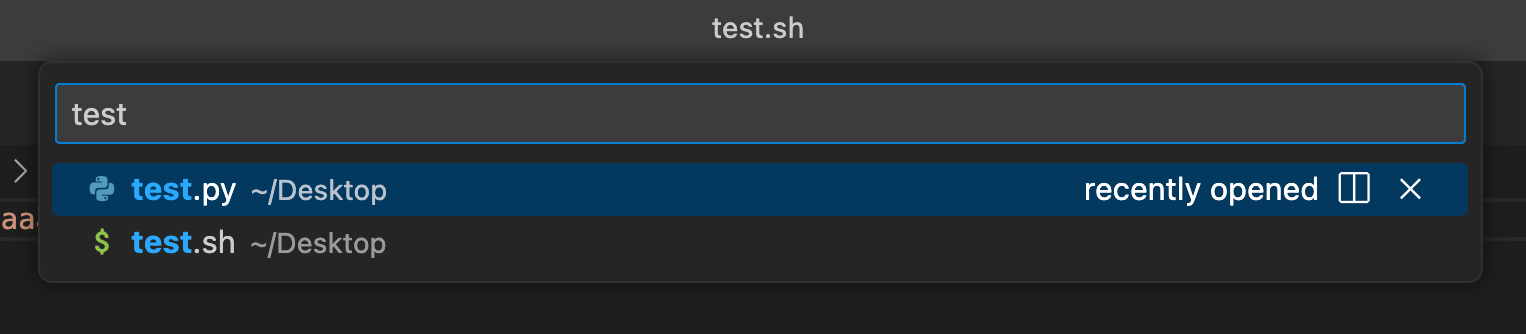
【VScode #7】VScode 快速開啟/跳到 workspace 中的特定文件 cmd + P / ctrl + P
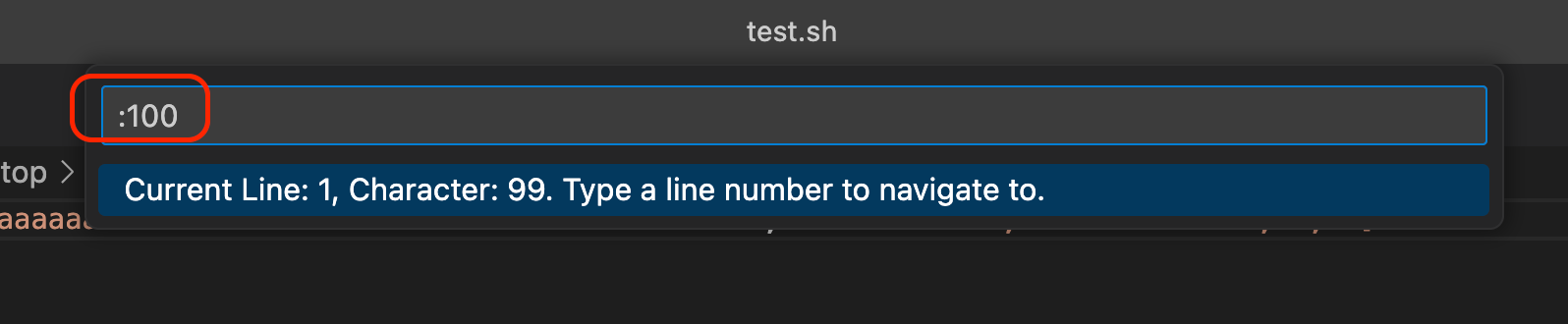
【VScode #6】VScode 快速跳到程式碼的某行 ctrl + G
【VScode #5】在 VSCode 實現讓 Python 自動排版的功能 (pep8, black, ...)
【VScode #4】修改 VScode terminal 字體,使得他能夠正常顯示 powerlevel10k (change vscode terminal font)
【VScode #3】把遠端的 html file 直接顯示在 local vscode 裡面的 extension 紀錄 (open html in vscode)
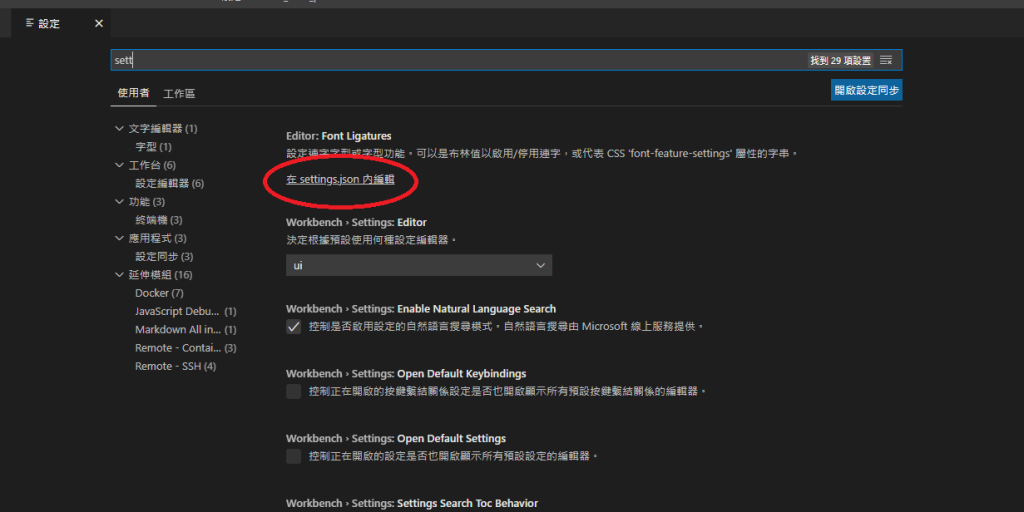
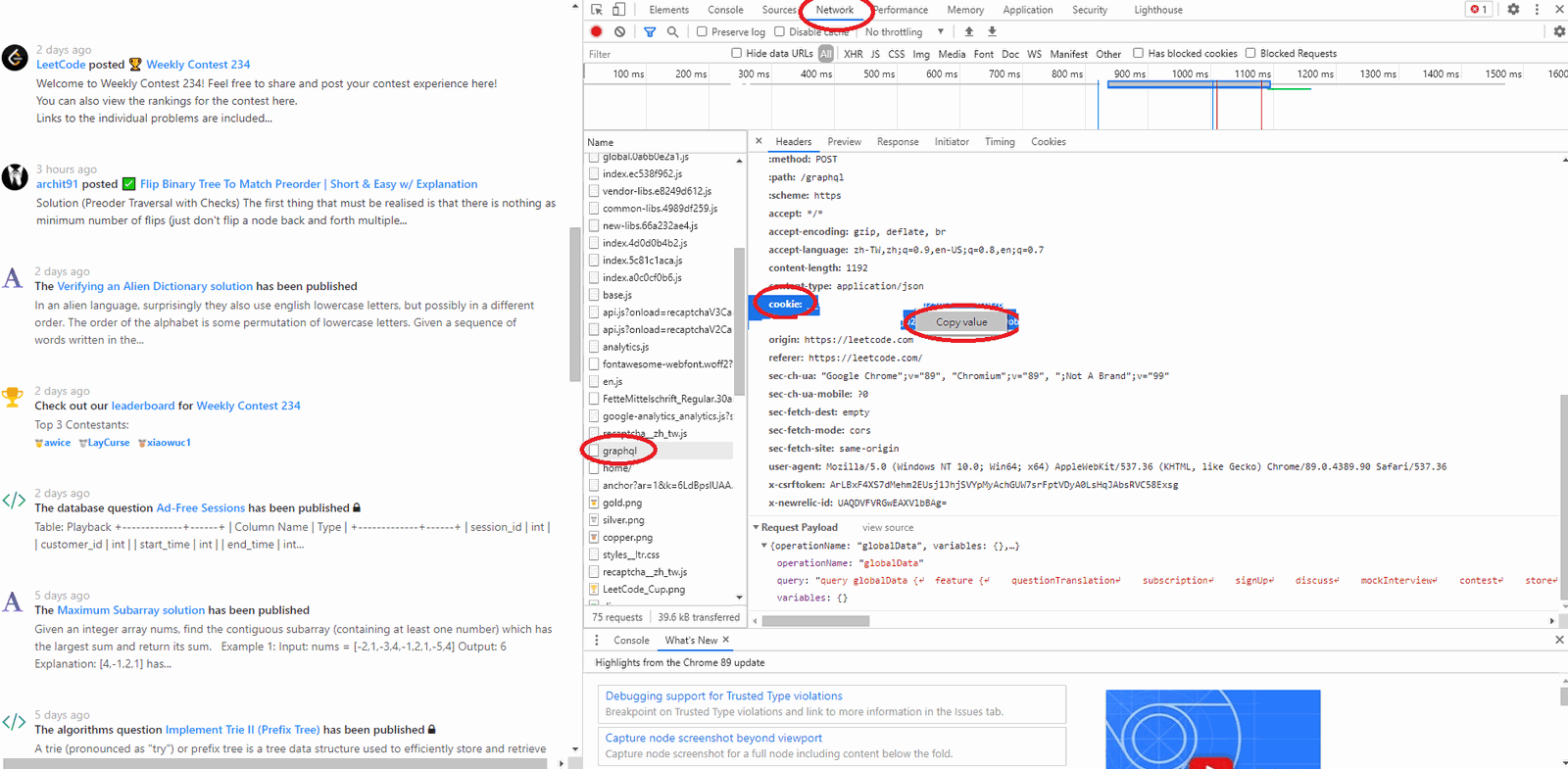
【Leetcode】VScode leetcode extension 初始化設定筆記 (設定 VScode leetcode 插件筆記)
【C++】在 Windows Visual Studio Code 上面安裝 g++, gcc, gdb 的環境,並可以在 Visual Studio Code 編譯並執行筆記
【VScode #2】直接把 coding 的「視窗」搬回家,不要再用慢慢的遠端桌面了! VScode ssh 遠端辦公
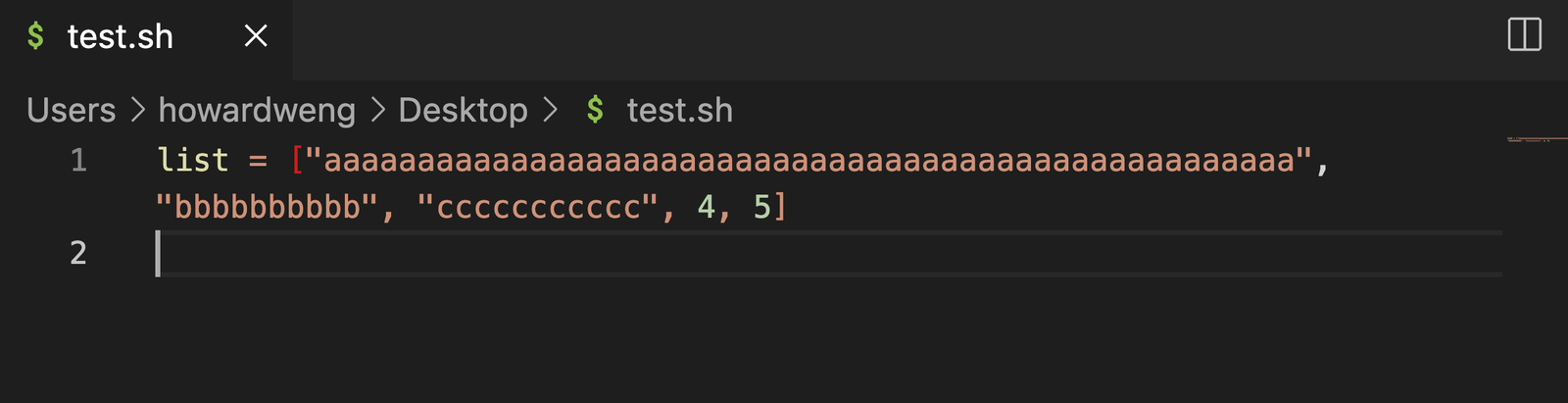
【VScode #1】VScode 自動換行 (顯示上的換行,非內容的換行) option + Z / alt + Z
【VScode #0】VScode 個人實用快速鍵總整理