前言
這篇是前文的進階版,前文是使用替換鍵來解消失的 touchbar,
這篇用組合鍵來解
https://wongwongnotes.com/posts/os-misc/os/macos/mac-karabiner-elements/
Karabiner-Elements
step 1. 下載 Karabiner-Elements
這邊我們就去下載鍵盤映射工具,連結在底下
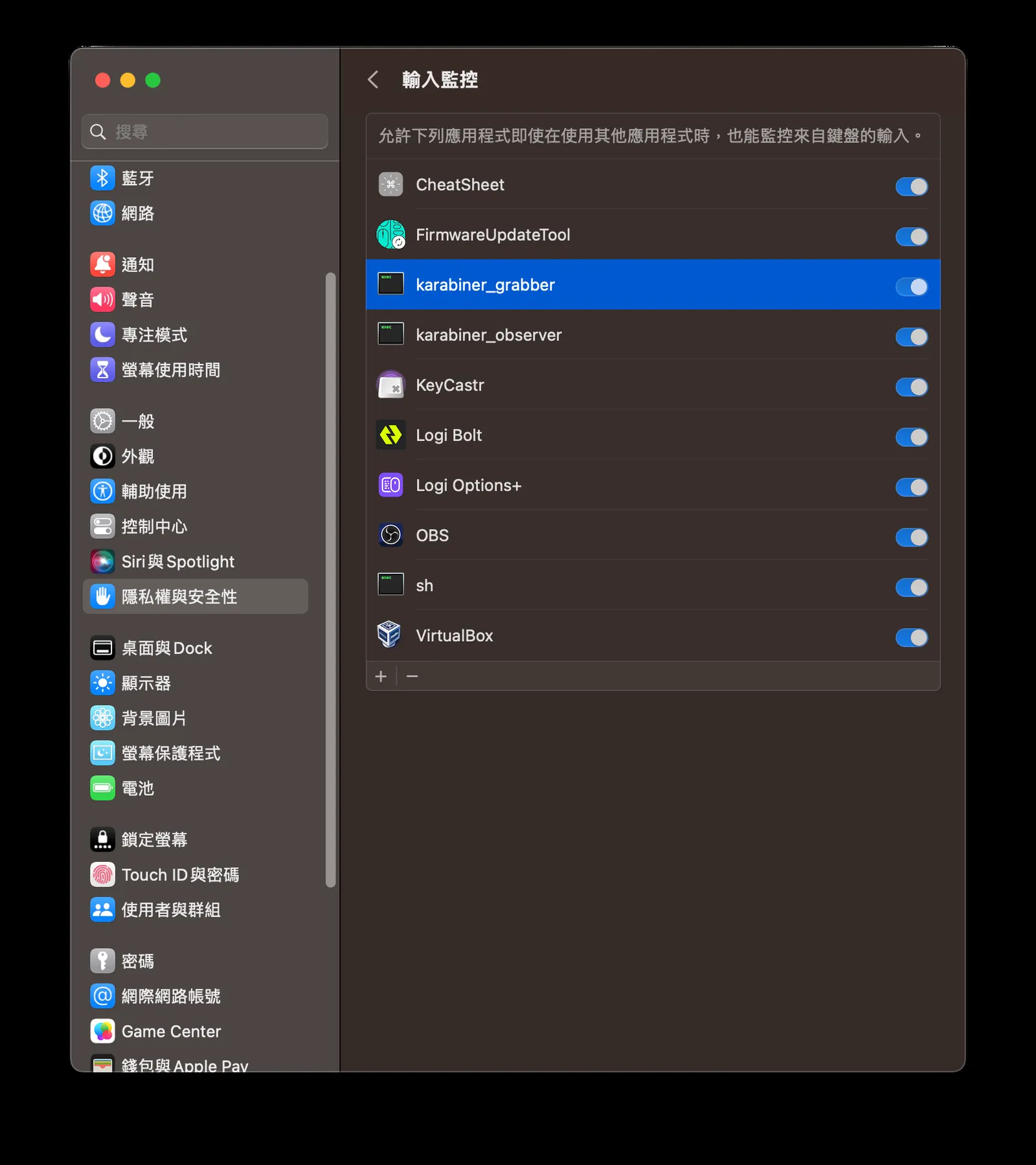
step 2. 在隱私權與安全性中,把權限開啟
這邊我們把權限開啟,這樣才能去改系統的鍵盤映射。
step 3. 更改鍵盤設定 (組合鍵版,替換鍵請參考前言連結)
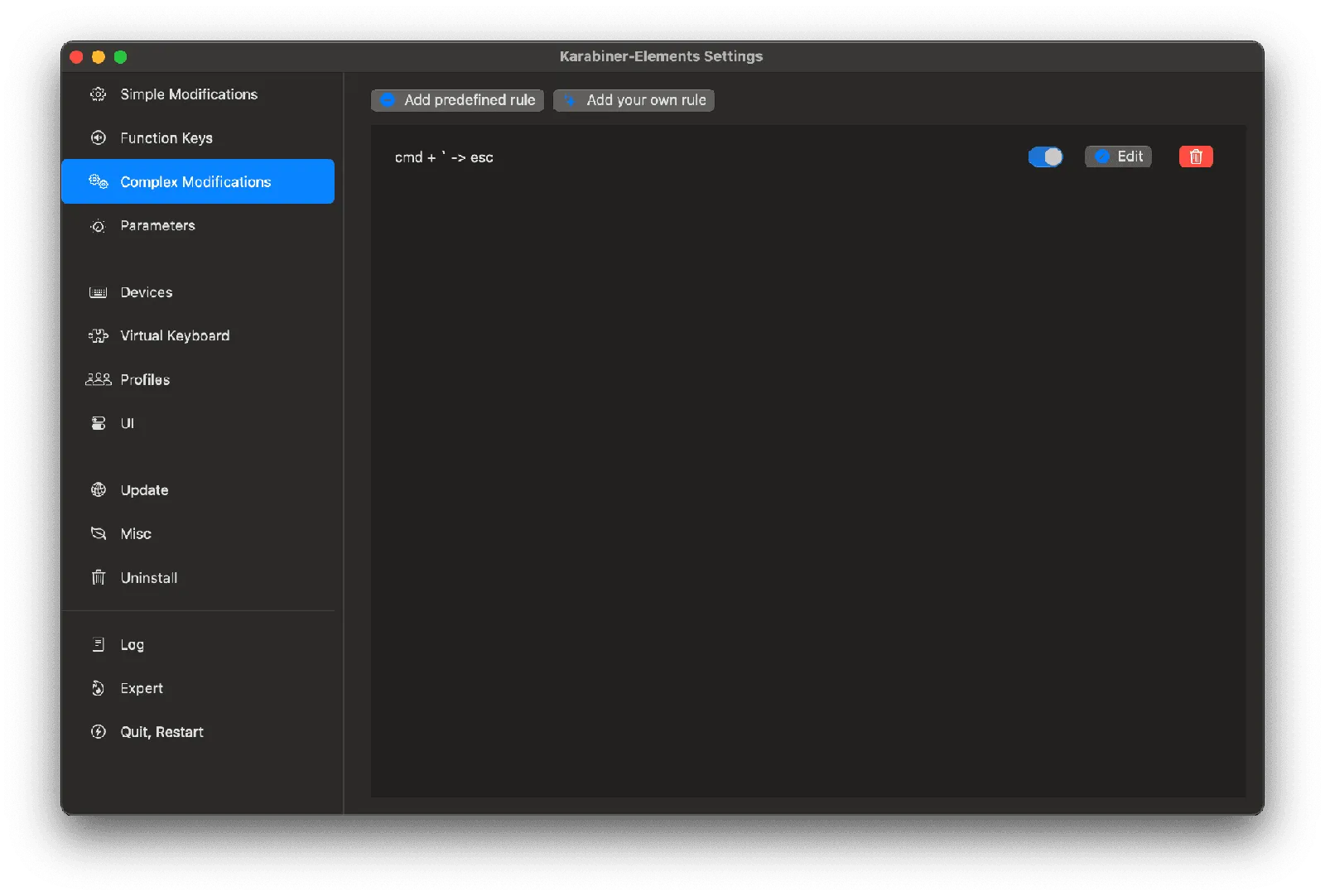
這裡是新方法,在 Complex modifications 新增以下內容,
代表將 「cmd + `」 取代 「esc」 的作用。
{
    "description": "cmd + ` -> esc",
    "manipulators": [
        {
            "from": {
                "key_code": "grave_accent_and_tilde",
                "modifiers": {
                    "mandatory": ["command"],
                    "optional": ["any"]
                }
            },
            "to": [
                {
                    "key_code": "escape",
                    "modifiers": []
                }
            ],
            "type": "basic"
        }
    ]
}
- 更多的範本可以參考其他網友的作品:https://ke-complex-modifications.pqrs.org/